
Silence Commercials.
Reclaim Your Big Screen.
No more jumping for the remote when sudden 85dB commercials blast during your movies. FrameTune TV automatically mutes unskippable ads on Hotstar and Prime Video, skips Netflix intros hands-free, calculates live finish times, and pairs with an offline Bluetooth phone remote.
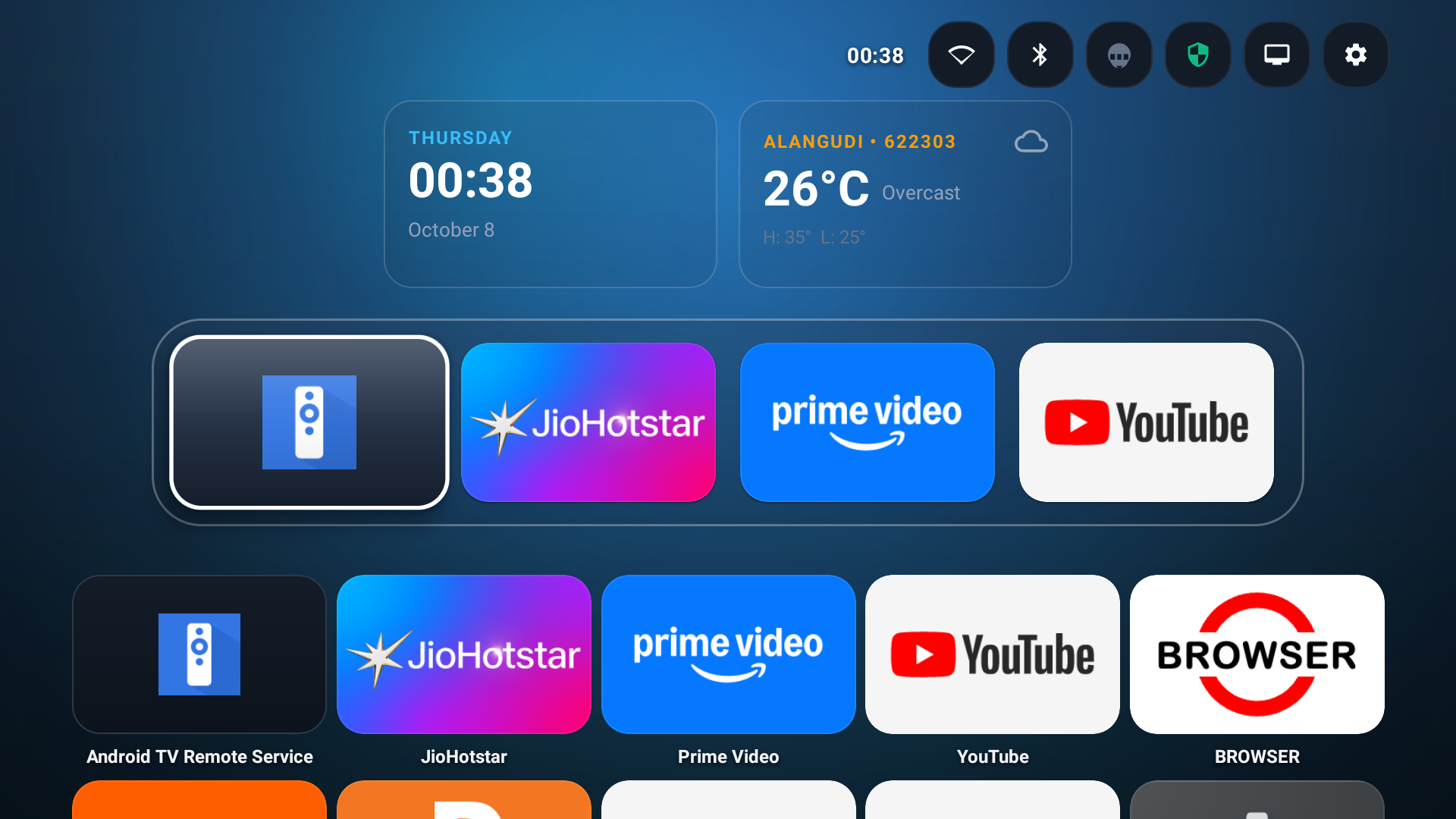
Experience How FrameTune TV Operates.
Click below to simulate real-time ad silencing and instant intro skips exactly as they happen on your television screen.
Engineered for Your OTT Apps & Big Screen.
One lightweight companion utility covers your entire streaming lineup and retail television hardware.
Supported Streaming Platforms
Native UI detection • Zero network modification
Television & Box Hardware
Retail APK • Standard Sideloading
Six Pillars of Uninterrupted Viewing.
Built natively for Android TV OS. Operating directly on-device with zero lag and zero telemetry.
Smart Commercial Silencer
Instantly silences TV audio when unskippable commercial ads appear on JioHotstar, Amazon Prime Video, and MX Player. Mutes music channel via Android STREAM_MUSIC and shows an on-screen HUD.
Zero-Click Intro & Recap Skip
Scans UI layout trees continuously. The millisecond "Skip Intro", "Skip Recap", or "Next Episode" triggers on Netflix or Prime Video, FrameTune clicks it automatically in 120ms without picking up your remote.
Live Movie Finish Time HUD
Know exactly when your movie finishes before committing. When you pause or summon player controls, FrameTune reads runtime duration and calculates the real-world finish clock time (e.g. "Ends at 11:24 PM").
FrameTune Remote Companion
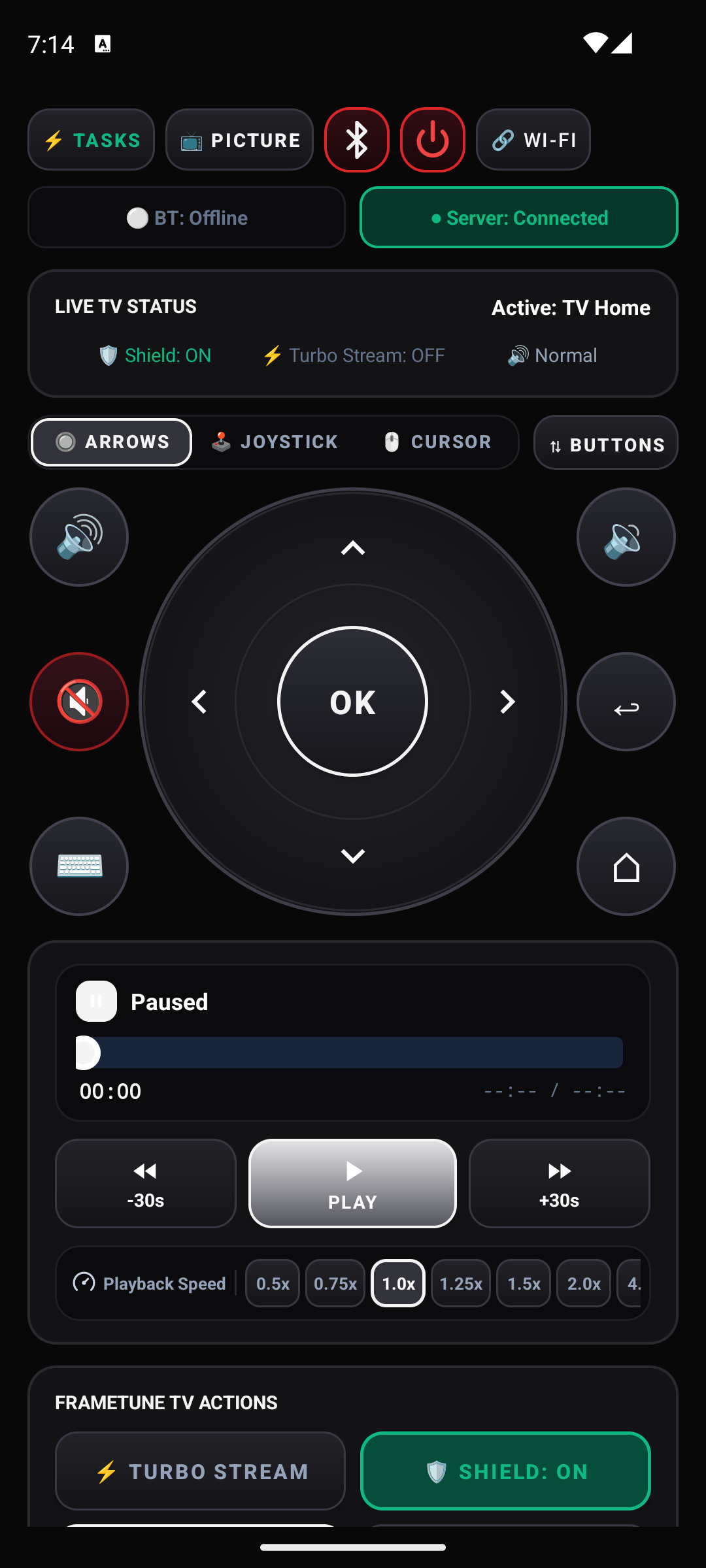
Dedicated Android mobile remote app. Pairs via USB-IF Bluetooth HID (works 100% offline without Wi-Fi) or local Wi-Fi with a 6-digit PIN. Tactile D-pad, fast volume toggles, and custom playback speed sliders.
On-Device Privacy Shield
Optional on-device DNS filter using Android's local VpnService interface. Blocks tracking telemetry, analytics beacons, and background ads without requiring external Raspberry Pi or router DNS setup.
Ultra-Lightweight Footprint
Engineered for modest TV hardware. Uses less than 35MB of RAM, imposes zero CPU load when video is streaming normally, releases resources on TV sleep, and guarantees your streaming box never stutters.
Upcoming Features.
Advanced living room capabilities currently undergoing testing for next releases of FrameTune TV.
Air-Mouse TV Cursor
Precision virtual cursor on your TV screen driven in real-time by your phone gyroscope sensors for web browsing and sideloaded app navigation.
Night Audio Routing
Low-latency audio sink routing TV sound straight to your smartphone headphones so you can watch late-night cinema without disturbing sleeping family.
Mesh Travel Tunnel
Zero-configuration peer-to-peer pairing for hotel rooms and Airbnbs with client isolation, letting your phone remote pair instantly anywhere.
Dynamic Night Leveler
Smart dynamic range compressor that automatically attenuates deafening movie explosions while boosting quiet character whispers.
Download FrameTune Suite v1.1.53.
Official builds verified and signed. Ready for sideloading on all Android TV, Google TV, and Fire TV models.
FrameTune TV
The primary companion service that runs on your TV box. Manages commercial audio silencing, skip automation, and finish time calculation.
FrameTune Remote
Tactile mobile companion for your Android phone. Connects via native Bluetooth HID (no Wi-Fi needed) or Wi-Fi to navigate and control your TV.
3-Minute Sideloading Guide
How to install FrameTune TV on Fire TV Stick or Google TV in three simple steps.
Install 'Downloader' App
On your Fire TV or Google TV, search for the free Downloader by AFTVnews app on the official app store and install it.
Enter GitHub APK Link
In Downloader, type frametune.fyi/tv.html or enter our GitHub release URL to download the APK directly.
Enable in Accessibility
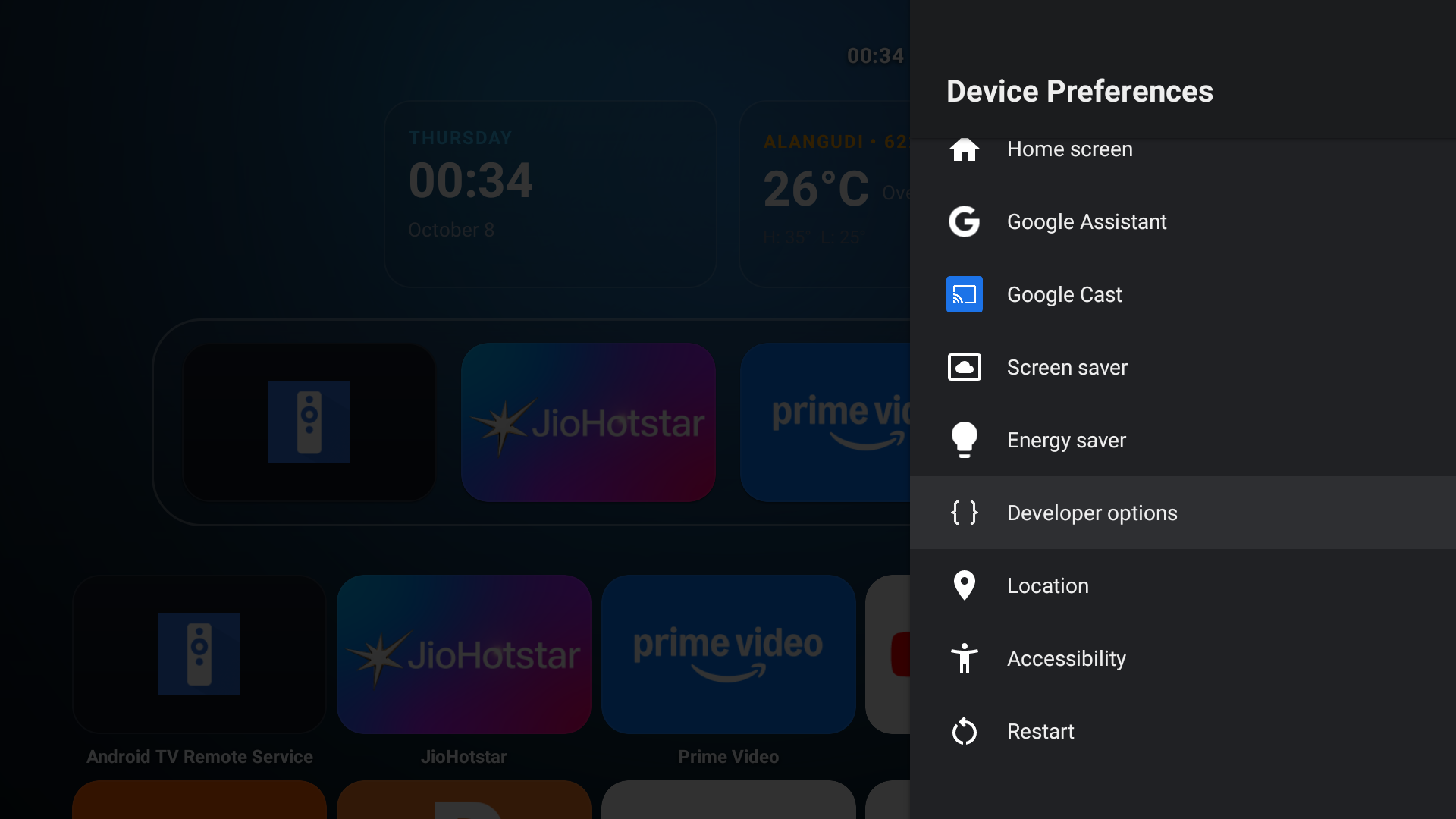
Open TV Settings → Device Preferences → Accessibility and toggle FrameTune TV on. Start streaming in total peace!
Complete Sideloading & Permissions Guide
Step-by-step screenshots for Downloader code 8063940, Fire TV developer unlock, phone remote sideload, and auto-update permissions.
How It Works: 100% Sandbox Compliant • No Root
FrameTune TV adheres strictly to Android platform architecture. It operates purely as an authorized user companion without breaching sandbox boundaries:
Frequently Asked Questions
Everything you need to know about FrameTune for Android TV & Remote.
Q1 Does FrameTune TV require root or bootloader unlocking?
AccessibilityService, AudioManager, and local VpnService). It installs just like any normal APK on standard retail Android TV, Google TV, and Amazon Fire TV devices without modifying system partitions or voiding your warranty.
Q2 How does the Commercial Silencer ensure TV sound is never stuck muted?
Q3 Can my Netflix, Hotstar, or Prime Video account be banned?
Q4 Does the companion mobile remote work without a Wi-Fi connection?
Q5 How do I install the APK on an Amazon Fire TV Stick?
frametune.fyi/tv.html and click the Download FrameTune-TV.apk button. Once installed, open Settings → Accessibility → FrameTune TV and switch it on.